Event Technology
Event Lead Capture: 7 Strategies to Maximize Exhibitor ROI
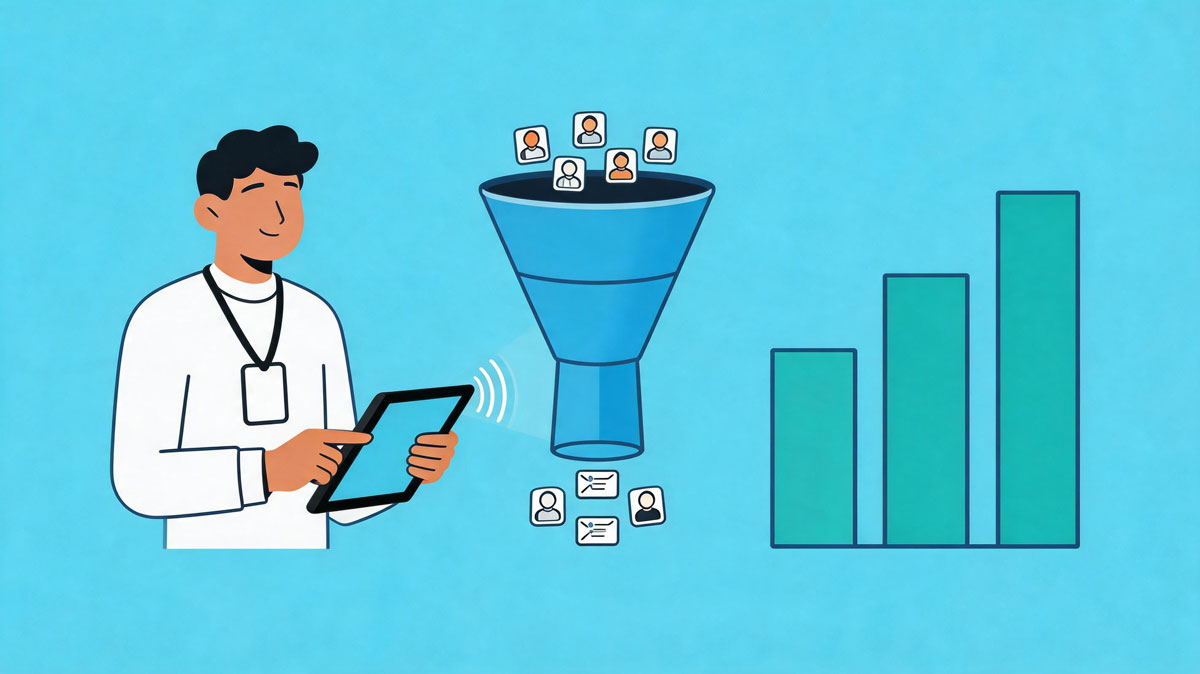
In this article, we'll cover:
- Why most exhibitors lose leads before they ever reach the CRM
- How to choose the right event lead capture app for your booth workflow
- 7 practical strategies that turn badge scans into qualified pipeline
- What exhibitor lead retrieval looks like when it's done right
- How to measure ROI so you can justify (and grow) your trade show budget
Event Lead Capture: 7 Strategies to Maximize Exhibitor ROI
Why Event Lead Capture Still Breaks Down at Trade Shows
You spent $30,000 on a booth, flew in your best reps, and handed out 500 business cards. Six weeks later, your sales team has followed up with maybe 40 of those contacts. Sound familiar? The gap between collecting a name and closing a deal is where most exhibitor ROI goes to die. And the root cause is almost always the same: a broken event lead capture app workflow. Reps scribble notes on the backs of business cards. Badge scans pile up with zero context. Hot leads get dumped into the same spreadsheet as the people who just wanted a free pen. It doesn't have to work this way. Modern lead retrieval tools give exhibitors the ability to capture, qualify, and route leads in real time, right from the booth floor. The trick is knowing how to use them. This article breaks down seven strategies that help exhibitors get more value from every event lead capture app interaction, whether you're working a 10x10 booth or anchoring a major expo.1. Ditch the Fishbowl and Scan Every Badge
It's tempting to toss a fishbowl on the table and call it lead capture. But business cards sitting in a glass bowl don't tell your sales team anything useful. There's no context, no qualification, and no speed. A lead retrieval app for trade shows changes this completely. Every badge scan instantly pulls the attendee's registration data into your system: name, company, title, email, and whatever custom fields the organizer collected. That's a qualified contact record created in under two seconds. The key is consistency. Train your booth staff to scan every interaction, not just the ones that feel like a sure thing. The "just browsing" attendee today might be next quarter's biggest deal. You won't know unless you capture the data.💡 Pro tip: Set a team goal for total scans per day and track it on a shared leaderboard. A little friendly competition keeps reps engaged and ensures no conversation goes unrecorded.
2. Qualify Leads in Real Time with Custom Questions
Scanning a badge captures contact info. But contact info alone doesn't tell your sales team who to call first. That's why the best exhibitor lead retrieval workflows build qualification directly into the capture process. Most modern event lead capture app platforms let you add custom qualifying questions that appear right after a scan. Keep it to two or three short fields:- Budget range (dropdown, not open text)
- Timeline to purchase (this quarter, next quarter, just exploring)
- Product interest (which solution are they evaluating?)
3. Use Notes and Voice Memos to Add Context
Data fields capture the what. Notes capture the why. Encourage your booth staff to add a quick note after every meaningful conversation. The best event lead capture app tools let reps type a note or record a short voice memo right inside the app. Something like "interested in enterprise pricing, current contract with competitor ends in Q3" is worth more than a dozen form fields. These notes are what turn a generic lead list into an actionable follow-up plan. When your sales rep calls the next week, they can reference the exact conversation. That kind of personalization is what separates a cold call from a warm one.✨ Expert Advice: Create a shorthand system for your team before the show. "HB" for "has budget," "DM" for "decision maker," "C" for "competitor user." This speeds up note-taking without sacrificing detail.
4. Sync Leads to Your CRM Before the Show Ends
Here's where most exhibitors fumble. They capture great leads on the show floor, then wait until they're back in the office to export and upload them. By that time, three to five days have passed, and the lead has already talked to your competitors. Speed wins. The best lead retrieval app for trade shows integrates directly with your CRM, pushing leads in real time or at least syncing at the end of each day. Platforms like Expo Pass connect badge scans straight to tools like Salesforce and HubSpot, so your sales team can start follow-up sequences while the event is still happening. If real-time sync isn't available, designate someone on your team to export and upload leads every evening. Don't let a single show day end without those contacts hitting your pipeline.5. Segment Leads by Booth Activity
Not all booth visitors are created equal. Someone who sat through your 20-minute product demo is a very different lead than someone who grabbed a brochure and kept walking. Use your event lead capture app to tag leads by activity type:- Attended a demo
- Visited a specific product station
- Participated in a contest or giveaway
- Had a one-on-one conversation with a rep
- Requested a post-show meeting
6. Brief Your Booth Staff Like a Game Plan
The best event lead capture app in the world won't help if your team doesn't know how to use it. And "knowing how to use it" goes beyond technical training. Before every show, run a 30-minute booth brief that covers:- How to scan badges and add qualifying data
- What the custom fields mean and how to fill them quickly
- When to add notes (hint: after every conversation that lasts more than 60 seconds)
- How leads will be routed post-show and who owns follow-up
- What "good" looks like: target number of scans, quality benchmarks
⚡ Practical Advice: Do a five-minute "dry run" the morning of day one. Have each rep practice scanning, qualifying, and adding notes on a test badge. It shakes off the rust and catches setup issues before the doors open.
7. Measure Everything and Report ROI to Stakeholders
Exhibiting at trade shows is expensive. If you can't show clear ROI, your budget will shrink. An event lead capture app gives you the data to build a case that keeps your program funded, and growing. Track these metrics for every show:- Total leads captured vs. total booth visitors (your capture rate)
- Qualified leads (hot + warm) as a percentage of total
- Speed to first follow-up (hours, not days)
- Pipeline generated from show leads within 30, 60, and 90 days
- Cost per lead (total event spend ÷ qualified leads captured)
Final Takeaway
Exhibitor ROI doesn't start when your sales team picks up the phone. It starts the moment a badge gets scanned at your booth. The right event lead capture app, paired with a clear strategy for qualifying, routing, and following up on leads, turns a chaotic trade show floor into a predictable pipeline machine. Stop treating lead capture as an afterthought. Make it the centerpiece of your exhibitor game plan, and the ROI will follow.Frequently Asked Questions
What is an event lead capture app and how does it work?
An event lead capture app is a digital tool that lets exhibitors scan attendee badges or QR codes at trade shows to instantly collect contact information. Most apps also let you add qualifying notes, custom fields, and tags so leads arrive in your CRM with context, not just a name and email.How is exhibitor lead retrieval different from collecting business cards?
Exhibitor lead retrieval digitizes the entire capture process. Instead of sorting through a stack of cards after the show, you get structured data in real time: names, titles, companies, and custom qualifiers. That means faster follow-up, cleaner CRM data, and no lost contacts.What should I look for in a lead retrieval app for trade shows?
Look for CRM integration, custom qualifying fields, offline functionality (Wi-Fi at convention centers is never reliable), real-time syncing, and the ability to add notes or voice memos. Speed matters too. If it takes more than a few seconds to capture a lead, your reps will stop using it.How quickly should exhibitors follow up after capturing a lead?
Within 24 hours is the gold standard. Leads captured at trade shows cool off fast. If your event lead capture app syncs to your CRM in real time, your sales team can begin follow-up sequences the same day the lead was captured.Can small exhibitors benefit from lead capture apps, or are they only for large booths?
Small exhibitors often benefit more from lead capture apps because every lead counts when your budget is tight. A solo exhibitor with a 10x10 booth and a solid event lead capture app strategy will outperform a large booth team that's still using business cards and spreadsheets.How do I calculate ROI from event lead capture?
Divide your total event costs (booth, travel, sponsorships, staff time) by the number of qualified leads captured. Track those leads through your sales pipeline for 90 days to measure how many converted to opportunities and revenue. That gives you both cost-per-lead and return-on-investment numbers to present to stakeholders.Keep reading
Event Technology
How to Get Your Event Tech Through IT Security Review
IT security review stalls more event tech purchases than budget does. What reviewers ask for, how to prepare your packet, and how much time to build in.
Event Technology
How to Write the 2027 Event Tech Line Item So Procurement Actually Approves It
Procurement rarely rejects event tech budgets. It rejects lump sums it cannot compare. How to split the line item, what an all-in-one quote hides, and the RFP questions that separate vendors.
Event Technology
MCP for Events: What the Model Context Protocol Is and How Event Teams Are Using It
MCP lets AI assistants like Claude and ChatGPT connect to your event software and act on it. Here's what it is, how event platforms use it, and what to ask before you connect an AI agent to your event.
Bring your next event to life.
See how Expo Pass powers registration, check-in, and engagement from start to finish.
Get a demo