Is there anything worse than waiting in line? Never in the history of the human race has anyone uttered the phrase “I was really hoping there would be a line”. There’s no worse way to greet your attendees than by making them wait in line – especially when long lines are often preventable. That’s right – there’s something you can do about long lines at your next event. Check out our 4 quick tips to streamline attendee check-in and you may be able to say goodbye to long lines for good.
1. Online Registration Form
Simple online forms make it easier for people to register on-the-go. The digital approach allows you to pivot in real time based on actual attendance, cancellations, and last-minute sign-ups. This means having the ability to plan for anything that might come your way, which makes all the difference in event management.
2. Functional Social Media
People are using social media for more than just sharing pictures of cats in human clothes these days. All cat picture jokes aside, features like Facebook’s Safety Check illustrate the impact social media can have for communicating with large groups. Should something go wrong causing a delay, you can let people know in real time, so they won’t be taken by surprise.
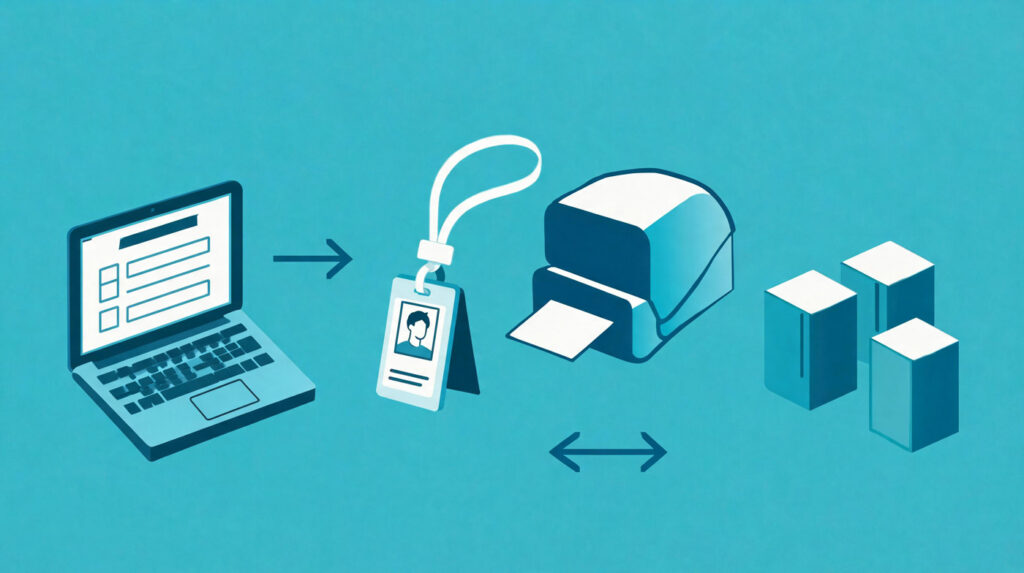
3. Onsite Badge Printing
Do you have a strategy for organizing name badges onsite? What do you do when there’s a misprint or a last minute registration? The time your team spends stuffing badge holders, organizing and reorganizing badges, and anything else badge related can be better spent on enhancing the attendee experience. Onsite badge printing is a great way to save time, making the event attendee check-in process more streamlined. And because the badges are printed in real time, any last-minute changes made by attendees will be reflected on their badges.
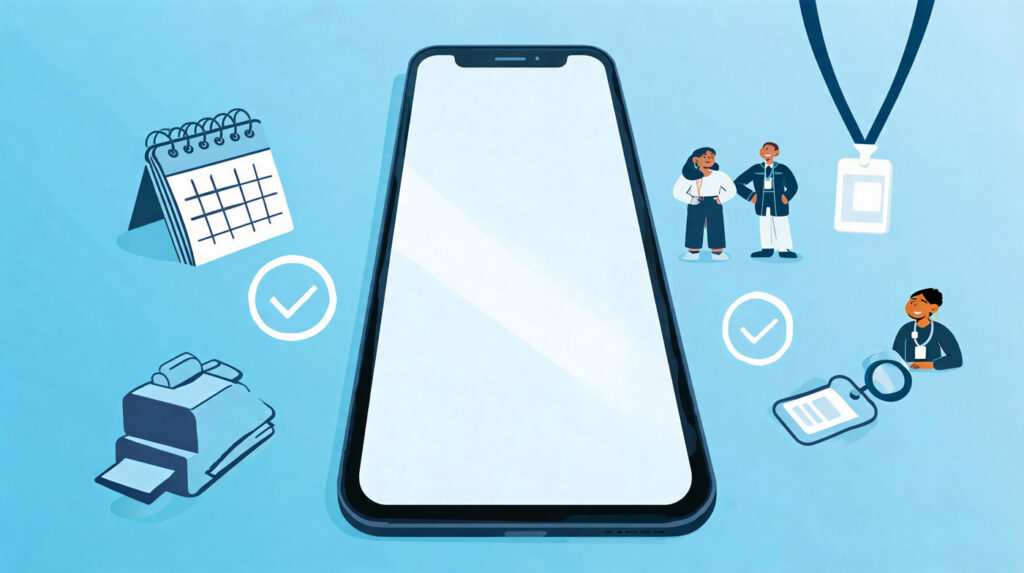
4. Event-App
Go to any music festival, conference, or tradeshow and you’ll see people on their smartphones. Instead of going to a website and logging in countless times, one app provides everything that attendees need. They can learn more about the event, make changes to their schedules in one place, receive push notifications, saving time and stress along the way. This also drastically reduces inquiries at the door, which prevents lines from forming.
Attendee management software can be highly beneficial to those who want to take a technology-based approach to line reduction. The Expo Pass platform can help event organizers to reduce lines, facilitate attendee check-in, anticipate attendee behavior and solve problems before they arise.