Event Planning Tips
Discover more options at the kiosk: Enhancing your attendee experience.
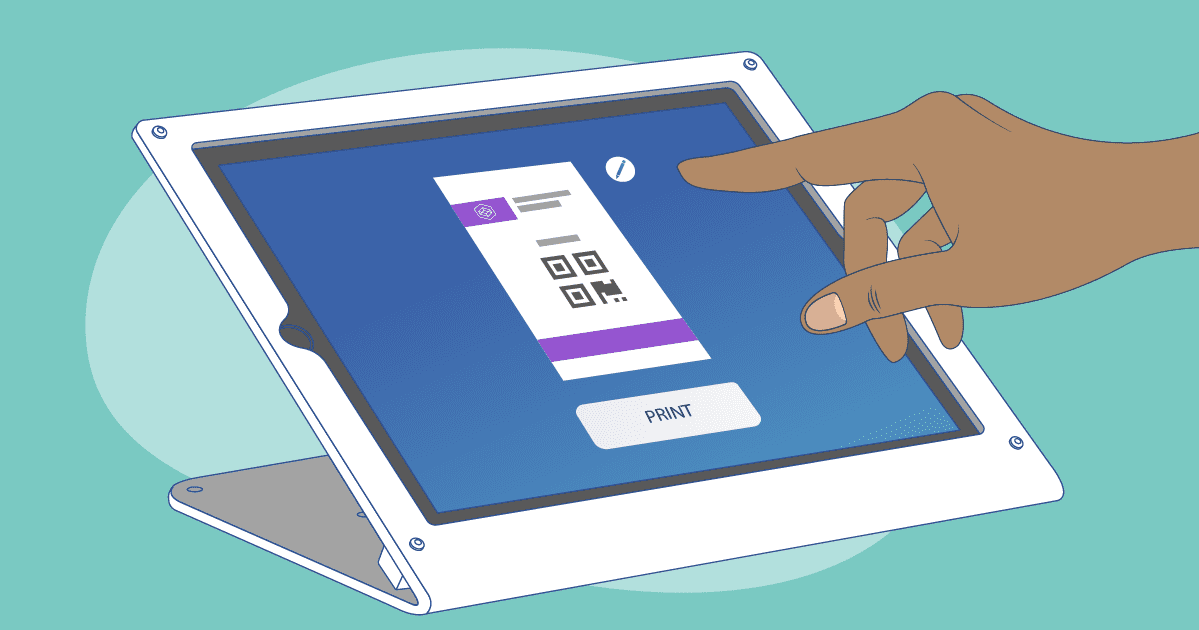
The game has changed, my friend! Expo Pass Onsite Premium Badge Printing has completely transformed how event attendees check in and print their badges.
But guess what? That's not all! Event organizers now have the superpower to change things up at the iPad kiosk. We're talking about adding extra helpful interactions that will take the attendee experience up a notch while making event management a breeze.
Hold on tight, because we're about to explore some additional options that are now at your fingertips on the kiosk. Let the fun begin!
 By taking full advantage of the extra features that the Expo Pass kiosk offers, event organizers can take the attendee experience from good to legendary.
We're talking about editing registration info, tackling custom attendee fields, accessing event updates and resources, networking like a boss, and even providing feedback. The kiosk becomes the ultimate hub where attendees can dive headfirst into the event, without any hiccups.
So, get ready for the ultimate kiosk experience with Expo Pass! It's time to make waves, stand out from the crowd, and create an event that people won't stop talking about. Let the kiosk revolution begin!
By taking full advantage of the extra features that the Expo Pass kiosk offers, event organizers can take the attendee experience from good to legendary.
We're talking about editing registration info, tackling custom attendee fields, accessing event updates and resources, networking like a boss, and even providing feedback. The kiosk becomes the ultimate hub where attendees can dive headfirst into the event, without any hiccups.
So, get ready for the ultimate kiosk experience with Expo Pass! It's time to make waves, stand out from the crowd, and create an event that people won't stop talking about. Let the kiosk revolution begin!
Edit Attendee Information.
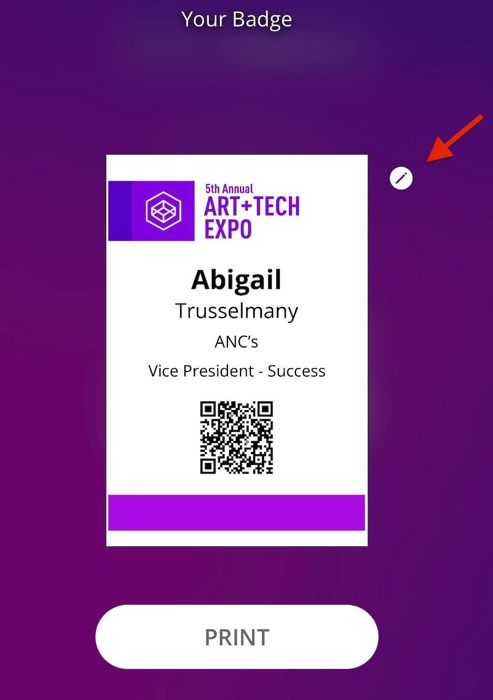
With Expo Pass, attendees can edit the following registration information right at the kiosk.- First Name
- Last Name
- Job Title
- Company
- City
- State
Custom fields, custom fun!
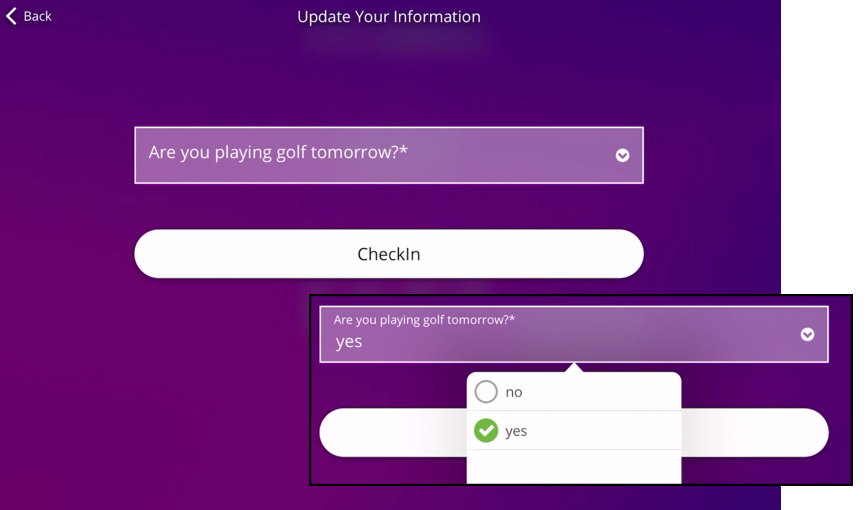
Now, here's where things get really cool. Event organizers often need specific information from attendees that goes beyond the standard registration data. With Expo Pass, you can create custom attendee fields that cater to your event's unique needs. It's like having a personal assistant, but in kiosk form. You can even mark these fields as "required," so attendees have no choice but to spill the beans, leaving no question unanswered. By integrating these custom fields into the kiosk experience, attendees can effortlessly answer additional questions or those they may have missed during registration.
By taking full advantage of the extra features that the Expo Pass kiosk offers, event organizers can take the attendee experience from good to legendary.
We're talking about editing registration info, tackling custom attendee fields, accessing event updates and resources, networking like a boss, and even providing feedback. The kiosk becomes the ultimate hub where attendees can dive headfirst into the event, without any hiccups.
So, get ready for the ultimate kiosk experience with Expo Pass! It's time to make waves, stand out from the crowd, and create an event that people won't stop talking about. Let the kiosk revolution begin!
Keep reading
Event Planning Tips
Event Sponsorship ROI: Helping Sponsors Hit Their KPIs
Events are now the biggest line in the marketing budget. See how planners can partner on KPIs and close the feedback loop to prove event sponsorship ROI.
Event Planning Tips
Room Blocks and Group Rates: A Planner's Guide
Room blocks and group rates, explained. How blocks work, what attrition really means, and how to negotiate hotel rooms like a pro, minus the surprise bill.
Event Planning Tips
The Complete Venue Walkthrough Checklist: What to Inspect Before You Sign
A venue walkthrough checklist is your best shot at catching dealbreakers before you sign. Here's what every site visit should cover, plus a free interactive checklist to run on your next tour.
Bring your next event to life.
See how Expo Pass powers registration, check-in, and engagement from start to finish.
Get a demo